

LAPTOP FORMAT
Is your laptop going slow?
The below reasons is what will cause your laptop to go slow
Your laptop hard drive is in failing state.
Your OS is faulty
Your system is infected with the virus.
The OS updates have failed patches
Drivers are incompatible with the new windows version.
If the diagnosis shows that OS is faulty we proceed with the laptop format. Operating System is diagnosed as faulty when CPU or Hard disk utilization spikes above 90%. Customer should back up the data before formatting or inform us to back it up for them.
To prevent Operating System failure, the below precaution to be taken:
You should have a good anti-virus.
You should never update the Operating System.
IS YOUR LAPTOP SLOW?
Faulty Windows Operating System: A pirated version can result in laptop slowness. A faulty version of windows.
Faulty Hard Disk : If the health of the hard disk goes below 100 percent by even 1 sector, then the Laptop becomes slow and the disk starts to fail.
Malware: Malware can come in the form of pirated software that is targetted to steal a device resource like CPU, Storage, Memory, RAM and data.
Viruses: When your machine is not protected by an antivirus, viruses can cause the laptop to go slow. Viruses will consume all the system resources and damage the operating system and the hard disk.
Low processor clock speed: CPU is the most expensive part of a laptop. It should be always above 2.00 Ghz. You can not replace your CPU so always check the clock speed before buying.
Usage of HDD instead of SSD: Hard disk(HDD) is an obsolete technology. It became obsolete in 2013 when Solid state drives(SSD) were introduced. SSDs are 10x faster than a Hard disk.
Ineffective antivirus: An antivirus has to be installed when a machine is newly formatted and not when it is already infected with a virus. Choosing a good antivirus is very important.
Keyboard shorting: If there is a shorting on the keyboard it makes the laptop slow.
Dried thermal paste: Thermal paste is essential when it comes to keeping the CPU and GPU cool. Using your computer with dried-out thermal paste will lead to processor heating up and making your laptop slow and eventually causing it to go dead.
Laptop clogged with dust: Dust is an insulator which retains heat. It will cause your laptop to go slow and to overheat. If the CPU fan of your laptop gets clogged with dust the fan will not be able to cool the CPU which will cause the CPU to overheat and go dead.
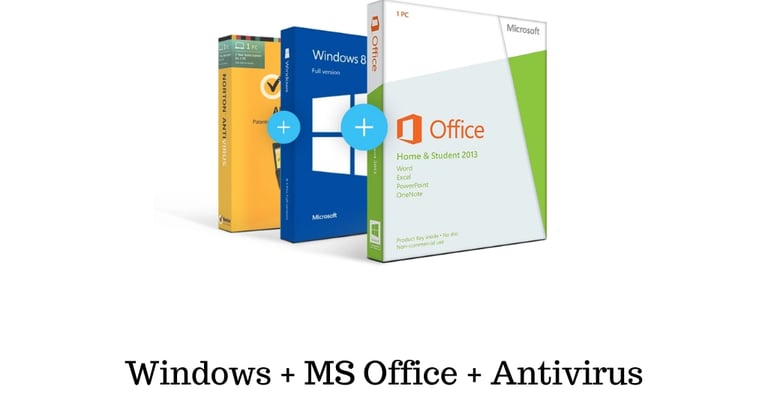

GRAB A COMBO OFFER OF WINDOWS PLUS OFFICE PLUS ANTIVIRUS
Come get an entire package combo for an excellent deal here at our center. Here at Laptop Service Center Malad Mumbai we offer you a complete package